Author Profile
Overview
Your author profile is shown with your modules on https://blishhud.com/modules. Open it with the Manage Profile button in the top right of SSRD.
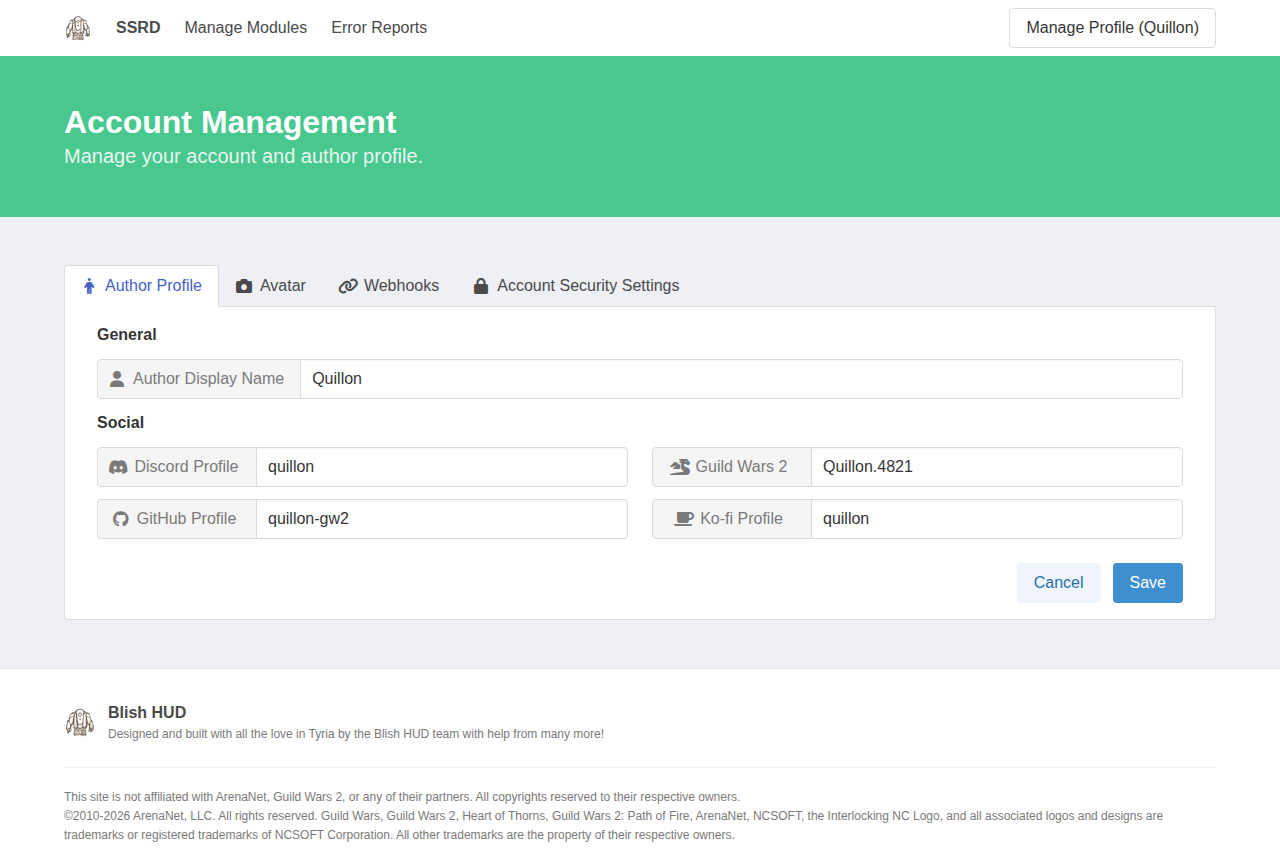
Author Profile
- Author Display Name is the name shown as your modules' author.
- Discord, GitHub, Guild Wars 2 and Ko-fi link to your profiles on those sites.
Avatar
Import your avatar from your GitHub or Discord account, or select Reset to default. Imports can take a few minutes to show up.
Webhooks
Add a webhook URL to Module Released to be told each time one of your releases is published. Webhooks are sent in Discord's format, so a Discord channel webhook works as is. If you edit the release notes later, the Discord message is updated to match.
Account Security Settings
Your password and sign-in settings are managed on the Blish HUD sign-in site. The Account Security Settings tab takes you there.